Top 10 Google Keep Alternatives for Better Note-Taking & Organization (2026 Edition)
Explore the top AI-enhanced note-taking and knowledge management tools in 2026, comparing Buildin, Notion, Obsidian, Evernote, and more.
Introduction: Why Our Note-Taking Needs Are Outgrowing Google Keep
At the dawn of the digital age, Google Keep set the standard for "quick capture" with its ultimate simplicity and seamless integration within the Google ecosystem. It functioned like a digital sticky note in our lives, perfectly suited for shopping lists, fleeting ideas, or saving a link to read later.
However, as our work and lives grow increasingly complex, and as the purpose of knowledge shifts from merely being "recorded" to being "managed," "connected," and ultimately transformed into "value," we begin to encounter the limitations of our tools. Google Keep lacks hierarchical organization, advanced formatting, robust collaboration features, and crucially, the ability to turn accumulated knowledge into structured systems or tangible outcomes. These limitations are now driving hundreds of millions of users worldwide to seek more powerful solutions. The global note-taking application market is projected to reach $1.44 billion in value by 2026, driven by users' desire for an integrated, intelligent, and actionable knowledge management platform.
This article will provide an in-depth analysis of the top 10 Google Keep alternatives to watch in 2026. We will not only compare their features but also uncover the design philosophies behind them, helping you find the digital extension that best aligns with your thinking and workflow.
Three Core Trends in Note-Taking Applications for 2026
Before selecting a specific tool, it is crucial to understand the direction in which the industry is evolving:
AI Evolves from "Feature" to "Foundation": AI is no longer just an assistant for polishing sentences. Leading platforms are utilizing open protocols like the Model Context Protocol (MCP), transforming your note repository into a securely and deeply queryable "second brain" for external, specialized AI. This enables intelligent synthesis across documents and provides decision-making support.
Organizational Logic Shifts from "Linear Documents" to "Multidimensional Databases": The simple text page is being reshaped by "database thinking." Whether it's Notion's Databases or Obsidian's Bases, these features allow you to convert notes into structured data with rich properties (status, tags, dates, related items). You can freely switch between various views like kanban boards, tables, calendars, and galleries, dramatically increasing the dimensions and flexibility of information management.
Collaboration Advances Towards "Integrated Security and Workflow": Real-time collaborative editing has become standard. The next phase of competition focuses on enterprise-grade permission management, end-to-end encrypted synchronization, deep integration with workflow tools (like GitHub, Figma), and providing creators with built-in monetization and closed-loop client management systems.
In-Depth Comparative Review of the Top 10 Alternatives
The following evaluation is conducted from a 2026 perspective, considering each tool's development roadmap and market positioning.
1. Buildin: The Integrated AI Work and Value Realization Platform
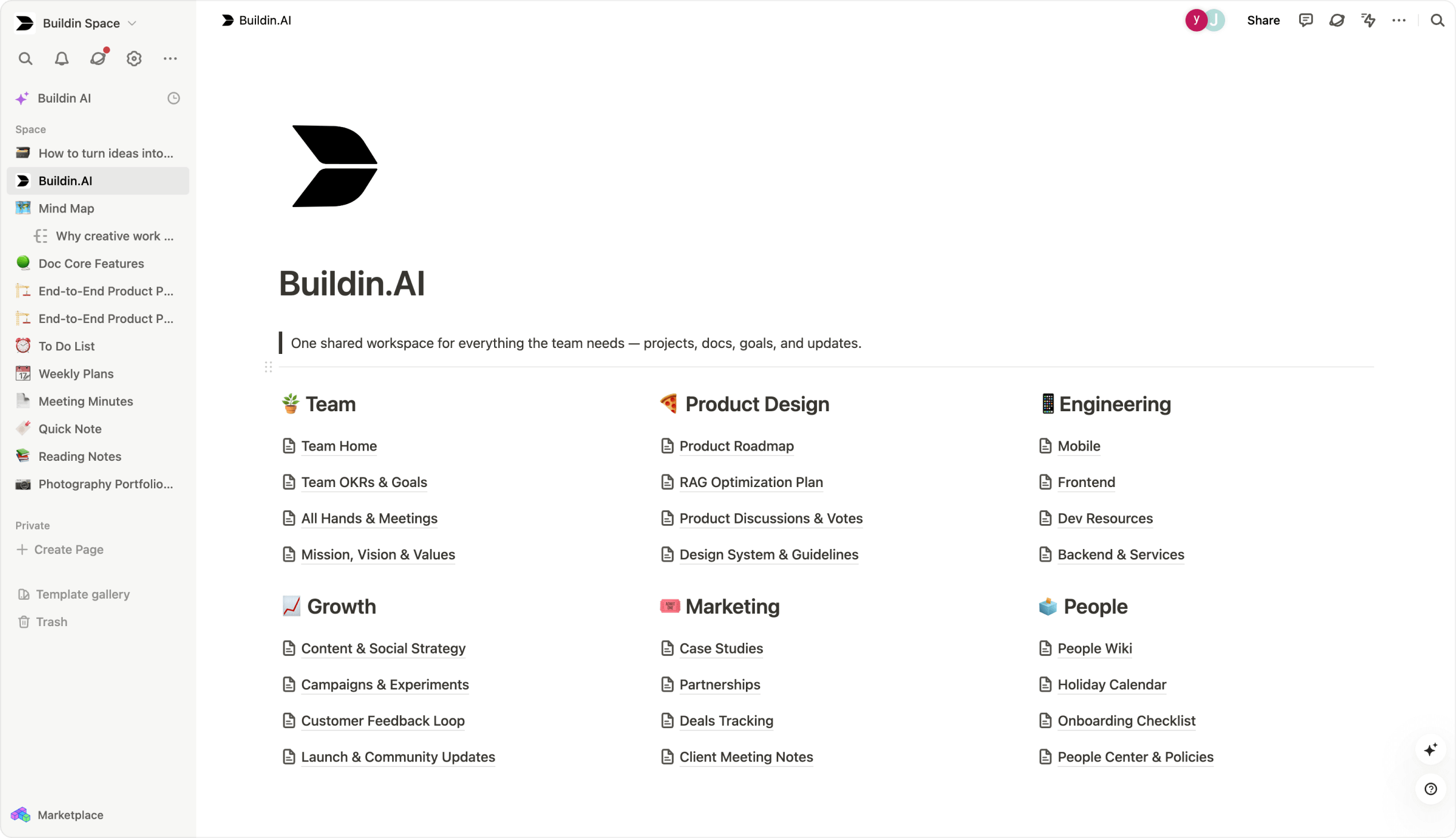
Core Positioning: "An integrated AI work and value realization platform." It deeply integrates the entire process from creation and collaboration to content monetization, specifically designed for modern creators, independent entrepreneurs, and teams who want to directly transform knowledge into economic value.
Core Advantage: Natively built-in content monetization system, allowing users to set notes, templates, or courses as paid content with one click, creating a closed loop from creation to revenue without relying on third-party tools.
Organizational Logic: Based on multidimensional databases and visual mind maps, supporting one-click switching between the two, balancing structured management and divergent thinking.
AI & Intelligence: Provides workspace-level intelligent Q&A and summarization, and supports enterprise integration of private AI models, balancing intelligence with data security.
Best For: Knowledge-paid content creators, consultants, and small-to-medium-sized businesses.
Learning Curve: Moderate, achieving a good balance between powerful features and user experience.
2. Notion: The All-in-One Workspace OS
Core Positioning: An all-in-one workspace operating system based on "blocks" as fundamental units. Its modular design allows users to freely combine elements like documents, databases, Kanban boards, and calendars to build personalized project management systems, team wikis, and even lightweight apps.
Core Advantage: Unparalleled flexibility and powerful relational databases for intuitively managing complex information and workflows, complemented by a vast template ecosystem.
Organizational Logic: Based on infinitely nestable pages and interconnected databases, forming a multi-layered and interoperable knowledge structure.
AI & Intelligence: Features a built-in writing assistant and focuses on developing AI connectors, aiming to be the intelligent hub connecting various AI tools and work data.
Best For: Teams, project managers, and power users requiring deeply customized systems.
Learning Curve: Medium to High, requiring user investment to adapt to its building logic.
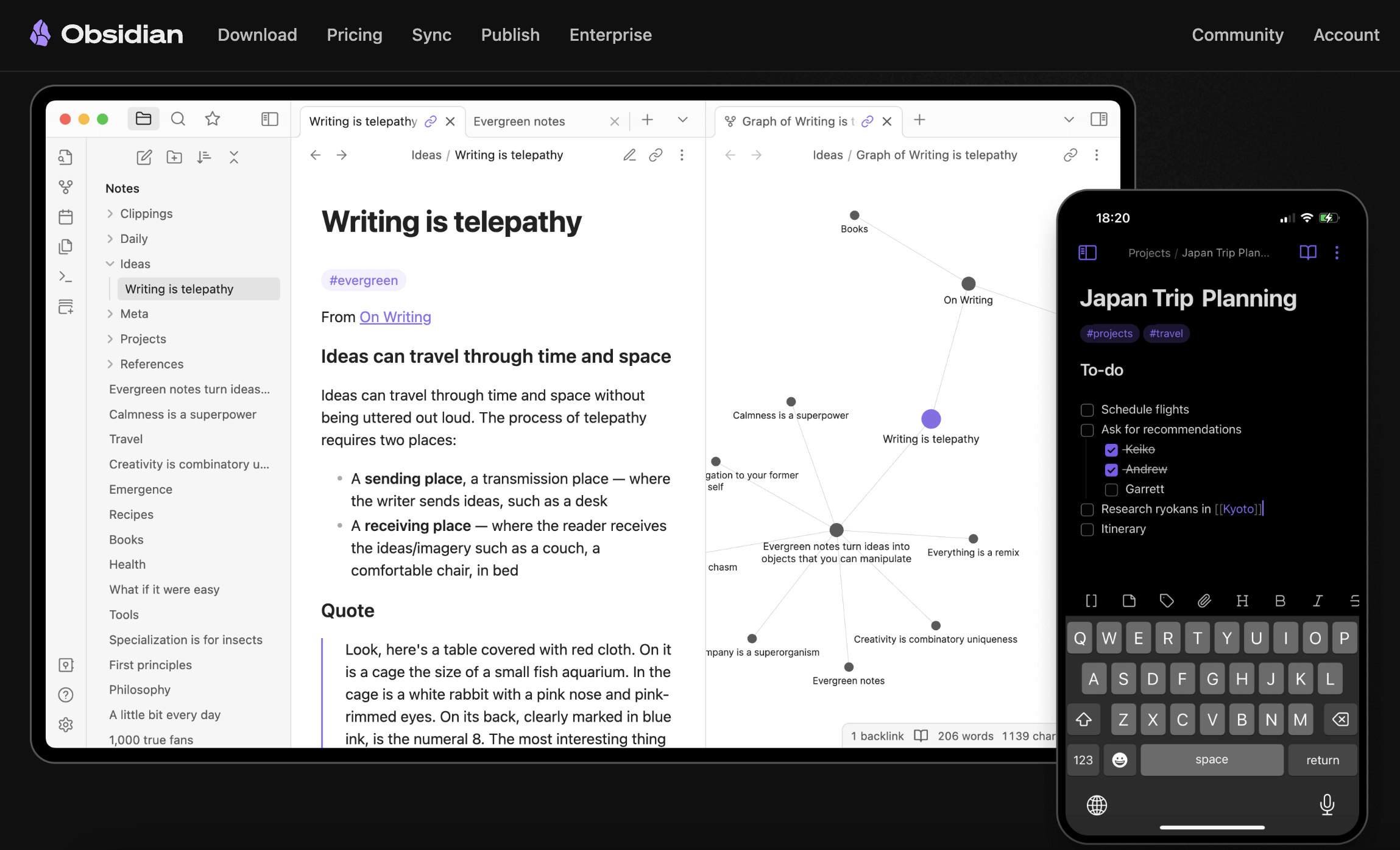
3. Obsidian: The Local Knowledge Base Centered on Connections
Core Positioning: "A local knowledge base centered on connections." It's a powerful note-taking app based on local Markdown files, helping users build interconnected personal knowledge networks through bi-directional linking and knowledge graph visualization.
Core Advantage: Complete user data control (files stored locally) and high customizability achieved through community plugins.
Organizational Logic: Revolves around the philosophy of "links as structure," encouraging nonlinear, web-like knowledge connections.
AI & Intelligence: Primarily implemented through community plugins, such as integration with large language models like ChatGPT.
Best For: Researchers, writers, and any individual user wishing to build a long-term, traceable knowledge system.
Learning Curve: Medium, but extremely powerful once its core workflow is mastered.
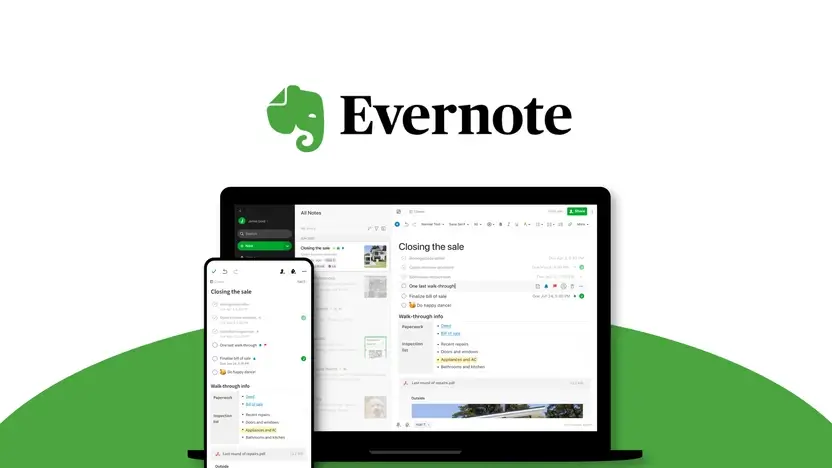
4. Evernote: The Classic Information Capture and Retrieval Brain
Core Positioning: The time-tested "information capture and retrieval hub," excelling at capturing content from web pages, emails, documents, and even scanned images.
Core Advantage: Excellent web clipper and document management capabilities, coupled with powerful full-text search and OCR technology.
Organizational Logic: Uses an intuitive notebook and tag system, easy to start and manage.
AI & Intelligence: Introducing AI assistants and semantic search through version updates to enhance intelligent processing capabilities.
Best For: Individual or light team users needing systematic collection, archiving of multi-source information, and reliant on efficient retrieval.
Learning Curve: Low, a classic and robust foundational tool for information management.
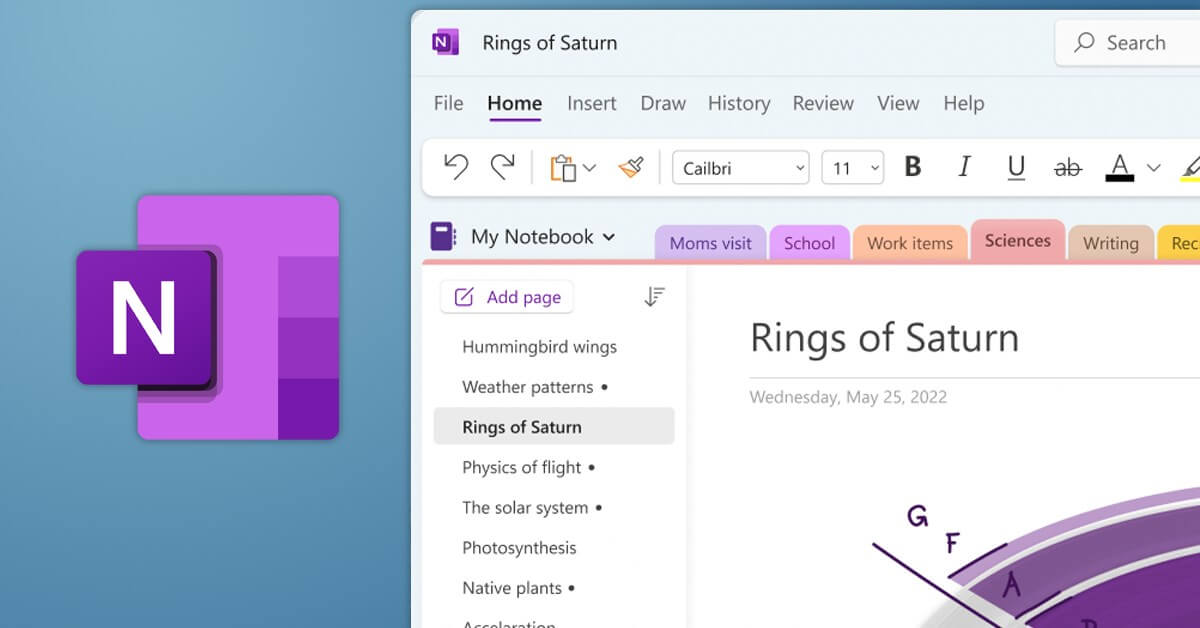
5. Microsoft OneNote: The Freeform Digital Notebook
Core Positioning: A digital notebook that simulates the freeform writing experience, highly replicating the flexible layout and visual note-taking of a physical notebook through its unique "infinite canvas" design.
Core Advantage: Unrestricted page layout and excellent handwriting and drawing support, especially suitable for brainstorming, meeting notes, or teaching annotations.
Organizational Logic: Uses a clear and intuitive Notebook - Section - Page hierarchy, easy for categorization and archiving.
AI & Intelligence: Deeply integrated with Microsoft Copilot, assisting with content summarization, Q&A, and creative inspiration.
Best For: Heavy Microsoft ecosystem users, educators, students, and users who prefer freeform handwritten input.
Learning Curve: Low, a powerful and intuitive tool for visual knowledge management.
6. Apple Notes: The Epitome of Convenience within the Apple Ecosystem
Core Positioning: "The epitome of convenient native note-taking within the Apple ecosystem." Deeply integrated into Apple operating systems, it pursues a seamless, effortless note-taking experience.
Core Advantage: Unparalleled system-level integration and convenience—silent cross-device sync via iCloud, support for lock screen quick notes, Siri voice notes, and Spotlight global search.
Organizational Logic: Uses a combination of intuitive folders, tags, and smart folders to automatically categorize information.
AI & Intelligence: Deeply integrated with Apple Intelligence, providing system-level summarization, writing suggestions, and text proofreading.
Best For: Apple ecosystem users for daily memos, quick notes, and lightweight document management.
Learning Curve: Very Low, a truly "out-of-the-box" ecosystem efficiency tool.
7. Logseq: The Outliner-Style Connected Notes Tool
Core Positioning: "A connected notes tool centered on outlining and block references." Encourages nonlinear, connected knowledge building through the "Daily Notes" entry point and granular "block-level" bi-directional linking.
Core Advantage: Extremely flexible outlining experience and powerful block reference and query functions, facilitating the formation of a densely interconnected knowledge network.
Organizational Logic: Revolves around outlining, block referencing, and custom queries, offering clear structure and high freedom.
AI & Intelligence: As an open-source tool, its AI capabilities rely mainly on community plugins and integrations. The official roadmap includes exploration of semantic search and model connection protocols.
Best For: Thinkers and researchers who prefer the outlining method and pursue detailed knowledge connections, as well as users seeking alternatives to Roam Research.
Learning Curve: Medium to High, requiring adaptation to its unique "block thinking" and query syntax.
8. Anytype: The Modular Tool Focusing on Privacy and Local-First
Core Positioning: "A modular knowledge management tool focusing on privacy and local-first principles." It offers a flexible modular experience similar to Notion while steadfastly adhering to data sovereignty principles.
Core Advantage: Balances functionality with privacy control—users can enjoy modern workflow features like databases and linked views without needing to host data on third-party clouds.
Organizational Logic: Based on an Objects and Sets system, allowing users to define custom types and establish rich connections.
AI & Intelligence: Still in planning, intending to support AI data processing under privacy safeguards via APIs and model connection protocols.
Best For: Highly privacy-sensitive users, data sovereignty-focused enthusiasts, and those seeking a Notion alternative.
Learning Curve: Medium, requiring slight adaptation to modular operations and privacy settings.
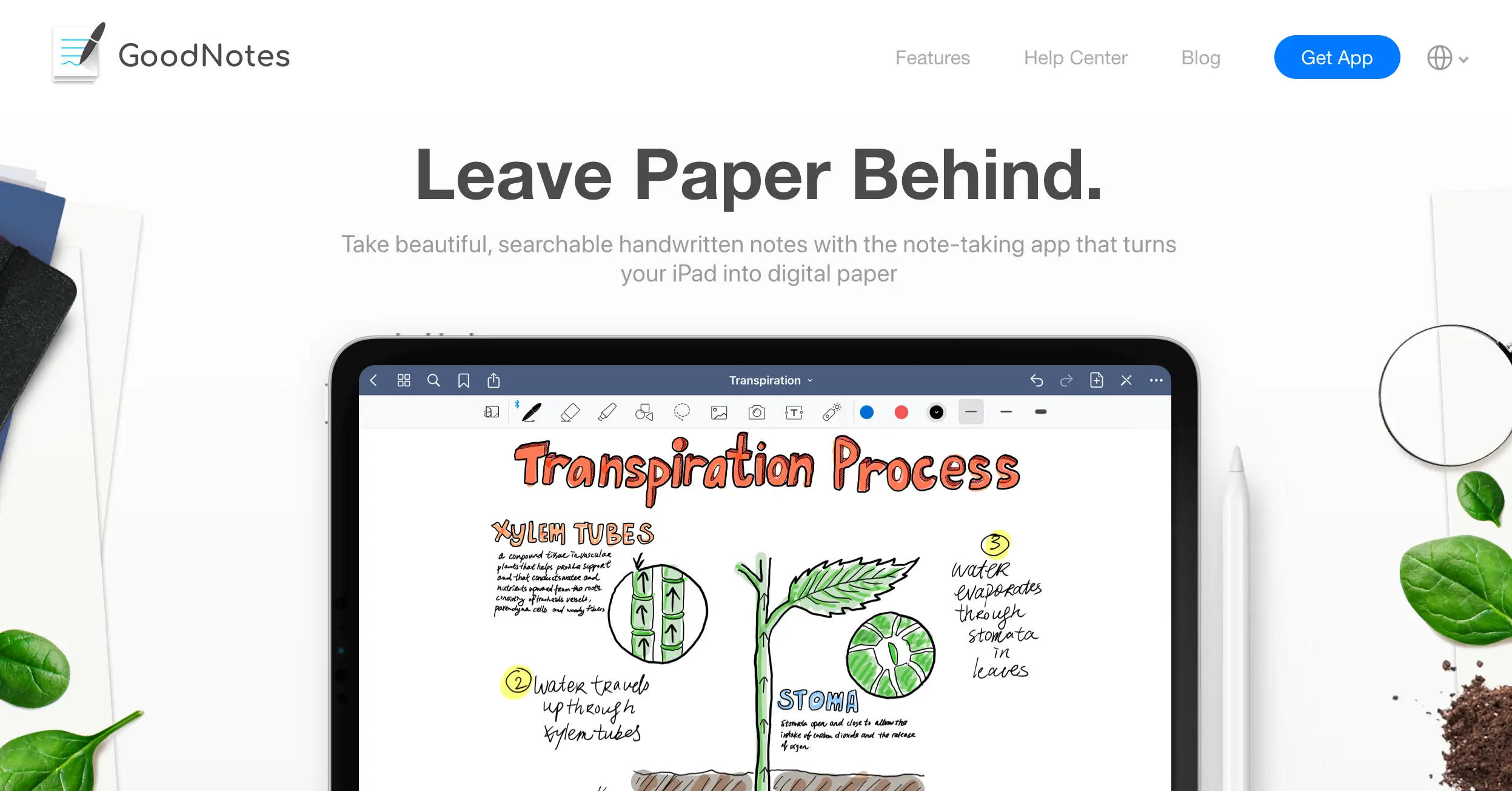
9. GoodNotes 6: The Digital Notebook Focused on Handwriting Experience
Core Positioning: "A digital notebook focused on the handwriting experience," dedicated to replicating the smooth feel and freedom of real pen-on-paper writing on iPad and Android platforms.
Core Advantage: Excellent pen stroke simulation, powerful PDF annotation, flexible notebook management, combined with high-precision handwriting recognition and search.
Organizational Logic: Mimics the hierarchical structure of physical notebooks and folders, intuitive and easy to understand.
AI & Intelligence: Specialized integration for handwriting scenarios, providing intelligent assistance like stroke beautification, shape correction, and content summarization.
Best For: Students, researchers, designers, and all users who prefer handwritten input and pursue a paper-like free note-taking experience.
Learning Curve: Low, easy to get started with and deeply integrate into learning and creation workflows.
10. NotebookLM: The AI Analysis Workspace Based on Sources
Core Positioning: "An AI analysis workspace based on private source material." Its essence is not a traditional note-taking app, but an intelligent research platform that allows users to have in-depth conversations with their uploaded documents.
Core Advantage: Can perform Q&A, summarization, and creative stimulation strictly based on user-provided sources, effectively avoiding the "hallucination" problem of general AI, enabling source tracing and precise reasoning.
Organizational Logic: Entirely centered on "source material," with all analysis revolving around the user's uploaded document collection.
AI & Intelligence: It is inherently AI-driven, with core capabilities in document-level semantic understanding, relational analysis, and citation generation.
Best For: Researchers, writers, students, and other users needing to quickly digest, integrate, and expand upon large amounts of existing document content.
Learning Curve: Medium, requiring adaptation to its "conversation-driven" rather than "editing-driven" work mode.
How to Choose Your Perfect Match: A Scenario-Based Decision Guide
The key to selecting a tool lies in identifying your core workflow:
Scenario 1: Team Collaboration & Complex Project Management
Primary Considerations: Database flexibility, real-time collaboration, permission management.
Top Recommendation: Notion or Buildin. Both are powerful choices. If your team has a need to transform internal processes and knowledge bases into external products or services for monetization, Buildin offers a unique, built-in solution that streamlines this conversion.
Alternative Recommendation: Microsoft OneNote (when used within the Microsoft 365 team ecosystem).
Scenario 2: Personal Knowledge Management & Deep Thinking
Primary Considerations: Bidirectional linking, knowledge network visualization, long-term data control.
Top Recommendation: Obsidian (for a local-first, highly customizable approach) or Logseq (for an outliner mindset with block-level granularity).
Alternative Recommendation: Notion (leveraging its relational database properties to simulate a connected network).
Scenario 3: Content Creation & Knowledge Entrepreneurship
Primary Considerations: Fluid editing experience, content packaging capabilities, direct monetization channels.
Top Recommendation: Buildin. It eliminates the friction of switching between a creation tool (like Notion) and a monetization platform (like Gumroad), creating a complete closed loop from writing the first word to generating revenue. It represents a quintessential tool for the creator economy in 2026.
Alternative Recommendation: Craft (for exceptionally beautiful document output) + a combination of third-party payment/hosting platforms.
Scenario 4: Information Gathering & Lightweight, Efficient Note-Taking
Primary Considerations: Quick capture, multi-source clipping, efficient retrieval.
Top Recommendation: Evernote (the benchmark for clipping and search) or Apple Notes (the ultimate in convenience for Apple users).
Efficiency-Boosting Alternative: NotebookLM (if the goal of gathering materials is rapid analysis and output rather than pure archiving).
Migration and Next Steps: Actionable Advice
Avoid Pursuing a One-Time Perfect Migration: Select 1-2 candidate tools for an intensive two-week trial. Begin with your most active current project or set of notes.
Leverage Migration for Knowledge Reorganization: Don't just copy and paste. This is a golden opportunity to reorganize your information architecture and establish new connections using the new tool's logic.
Consider a "Core-Periphery" Combination Strategy: Many highly productive individuals use a combination of tools. For example, use Apple Notes/Google Keep for daily, scattered capture, and Buildin/Obsidian as the core workspace for deep processing, project management, and value creation.
Prioritize Data Export Capabilities: When evaluating any tool, confirm that it supports convenient export to universal formats (e.g., Markdown, HTML) to safeguard your future freedom of choice.
Conclusion: Tools Serve an Evolving Workflow
By 2026, the note-taking application landscape has long transcended the single dimension of "recording," evolving into a comprehensive competition encompassing philosophies of information organization, levels of intelligent augmentation, efficiency of collaborative workflows, and even the capacity for value transformation. Google Keep will likely remain a useful "digital sticky note" in our lives, but when we aspire to build knowledge architectures, drive team projects, or launch personal ventures, we need a more powerful "workbench" or even a "creation hub."
The true choice is not about chasing the most feature-rich tool, but about finding the partner that most naturally extends your thinking and resonates with your workflow. We hope this guide illuminates the path forward, empowering you to think more efficiently, create more effortlessly, and realize value more intelligently in 2026 and beyond.

Lisa Wang
Attentive to the details of digital writing and productivity tools, and experienced in shaping scattered information into structured content. Responsible for product experience documentation, user feedback analysis, and initial content drafting at Buildin.